You can practise on Baba Option for free in two ways: instantly, with the Preview account that needs no registration, or with a demo account after you sign up. Both give you $10,000 in virtual money on the real BABA Trader platform. Here is how to use each one and how to get the most from your practice.
Risk warning: binary options are high-risk products and most retail traders lose money. Only trade with money you can afford to lose. This page is for information only and is not financial advice.
Fastest way to practise
Click Preview on the Baba Option homepage to trade with $10,000 virtual funds immediately. For a permanent practice account, sign up for free, choose Open an Account → Demo and click Trade Now.
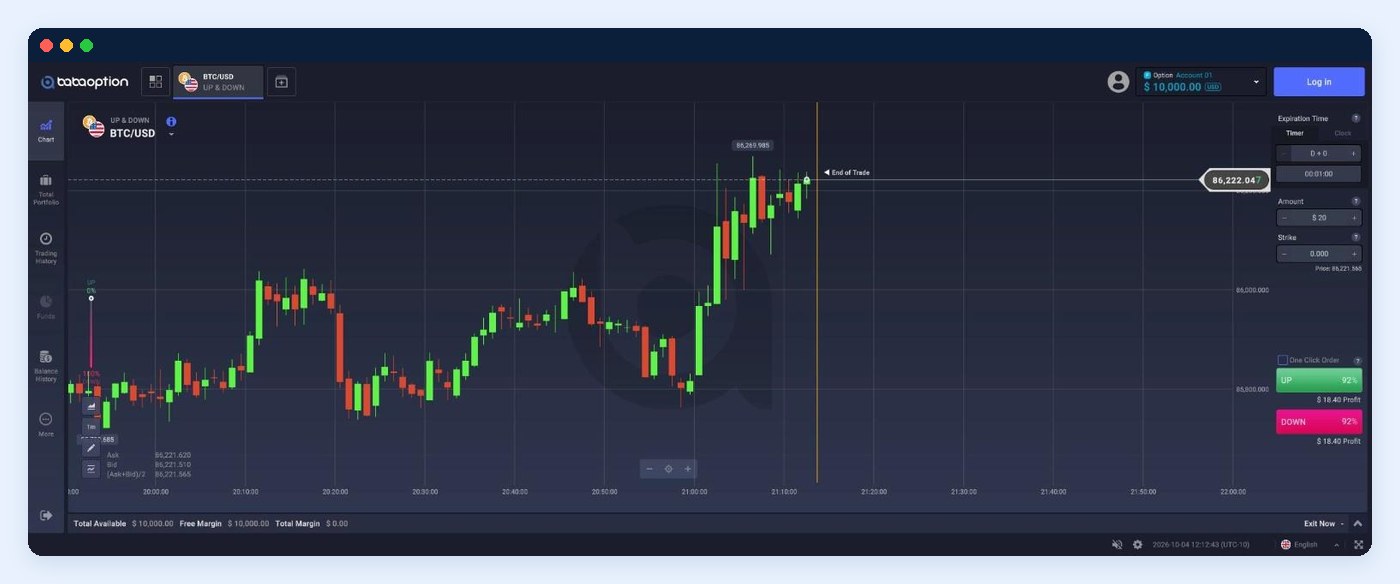
Preview vs Demo: What Is the Difference?
| Preview | Demo account | |
|---|---|---|
| Registration | Not needed | Free sign-up |
| Virtual balance | $10,000 | $10,000 |
| Platform | Full BABA Trader | Full BABA Trader |
| Up & Down options | Yes | Yes |
| Upcoming products (Touch, In & Out, Out of the Money) | Yes | Not yet |
| Saved trade history | Session only | Yes |
| Best for | A quick look | Ongoing practice |
How to Open a Baba Option Demo Account
- Sign up for free (see our sign-up guide).
- Log in to the Client Portal and choose Open an Account.
- Select Demo and your account currency.
- Click Trade Now. Your $10,000 practice balance is ready.
To switch between demo and live later, click the account box at the top of the platform: live accounts have a blue L badge and demo accounts a yellow D.
A 7-Day Practice Plan
| Day | Focus |
|---|---|
| Day 1 | Learn the screen: assets, expiry, amount, strike, UP/DOWN. |
| Day 2 | Trade one 95% asset (e.g. EUR/USD) with 1–5 minute expiries. |
| Day 3 | Add RSI or Stochastic and write down why you enter each trade. |
| Day 4 | Test the Clock expiry and compare with the Timer. |
| Day 5 | Move the strike price and watch how the payout changes. |
| Day 6 | Try a 4-chart layout to follow several assets. |
| Day 7 | Review your journal. Only go live if results are steady. |
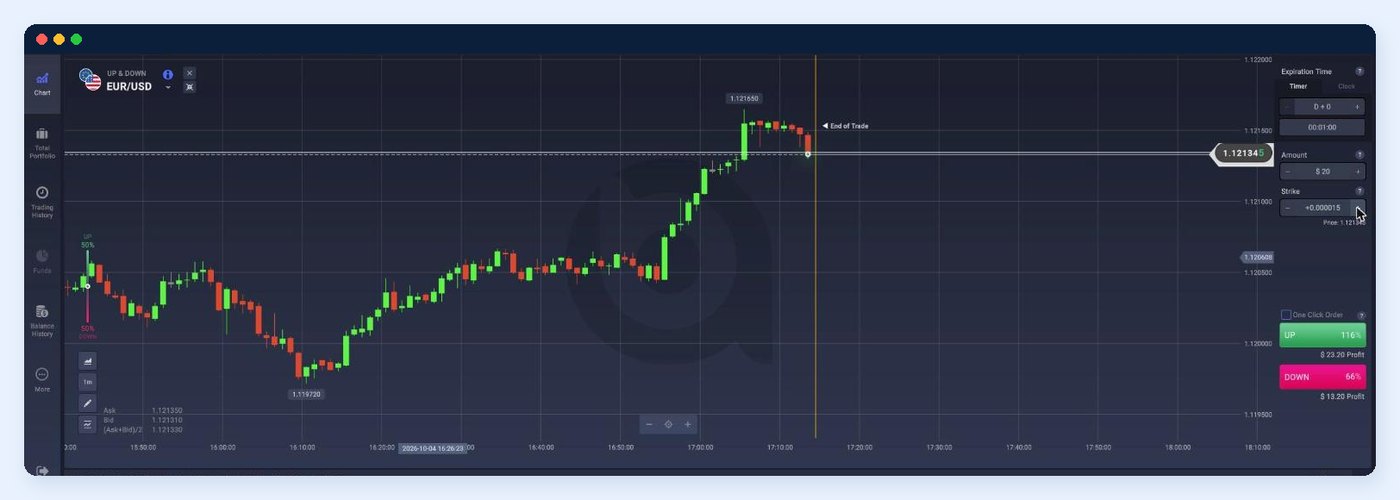
Demo Mistakes to Avoid
- Betting huge amounts because the money is not real.
- Jumping straight to 5-second expiries.
- Ignoring the payout shown on the button.
- Going live after a single lucky day.
Ready for Real Money?
When you are consistent, verify your account, check the minimum deposit (from 20 USDT) and start small. First deposits of 50 USD or more earn a 30% bonus.
FAQ
Is the Baba Option demo free?
Yes. Both the Preview and the demo account are free and use virtual money only.
How much virtual money do I get?
$10,000 on both the Preview and the demo account.
Can I use the demo without registering?
Yes, through the Preview button on the homepage.
Can I withdraw demo profits?
No. Demo funds are virtual and cannot be withdrawn.
Affiliate disclosure: Baba Option Guide may earn a commission when you open an account through links on this page, at no extra cost to you. Facts were checked on the official websites in October 2026 and can change, so always confirm conditions before you trade. Binary options are not available in every country; see Investor.gov for an independent explanation of how they work.