Want to trade on your phone or computer? Baba Option works on Android, iPhone, Windows, macOS and in any browser. This guide explains how to download the Baba Option app for each device and which version suits you best.
Risk warning: binary options are high-risk products and most retail traders lose money. Only trade with money you can afford to lose. This page is for information only and is not financial advice.
Which download do I need?
| Device | How to get it |
|---|---|
| Android | Google Play or APK |
| iPhone / iPad | Web app: Safari → Share → Add to Home Screen |
| Windows / macOS | Desktop app from the website |
| Any browser | Web terminal, nothing to install |
Android
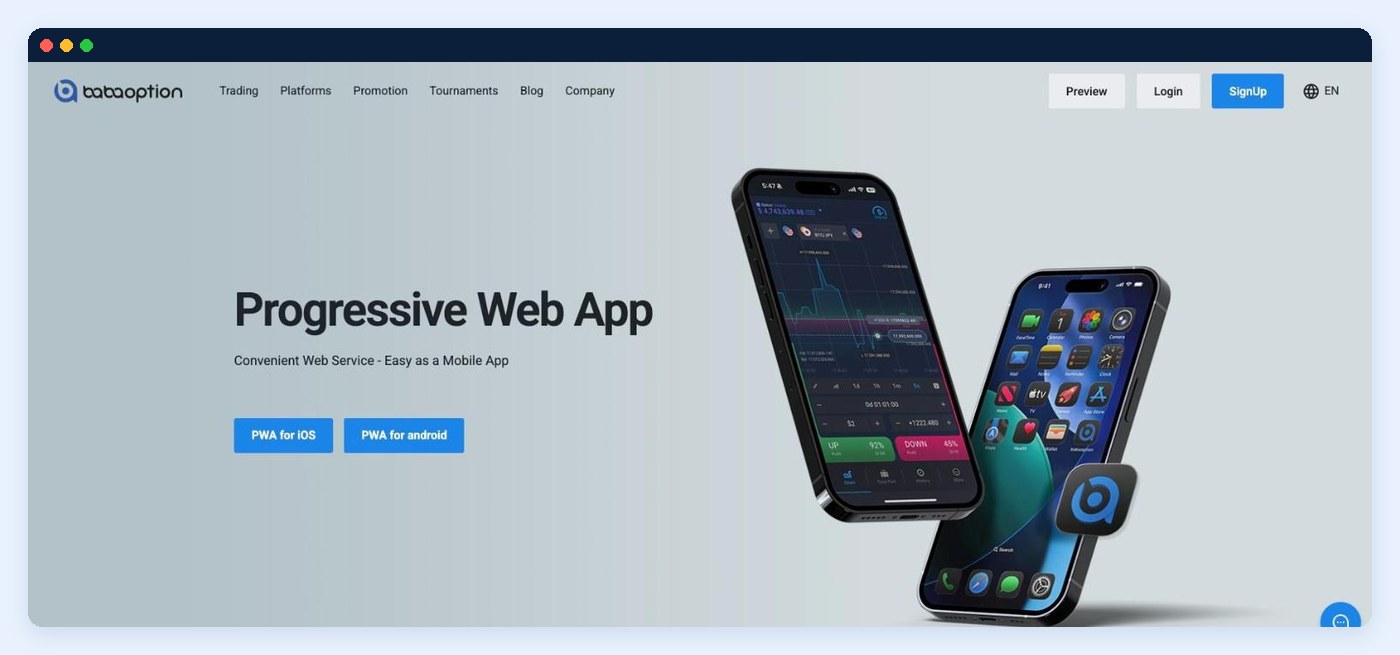
- Open Google Play and search for BABA Option, or download the APK from the official website.
- Install the app and open it.
- Log in with your Baba Option email and password.
Android 8.0 or newer is required; Android 10+ and a Snapdragon 855-class processor are recommended.
iPhone and iPad
There is no App Store download. Instead, you install Baba Option as a web app, which opens full-screen from your home screen like a normal app:
- Open babaoption.com in Safari.
- Tap the Share icon.
- Tap Add to Home Screen, then Add.
- Open the new icon and log in.
You need iOS 14+ and an iPhone 11 or newer. If login fails, create a live account first and switch off Request Desktop Website in Safari settings.
Windows and Mac Desktop App
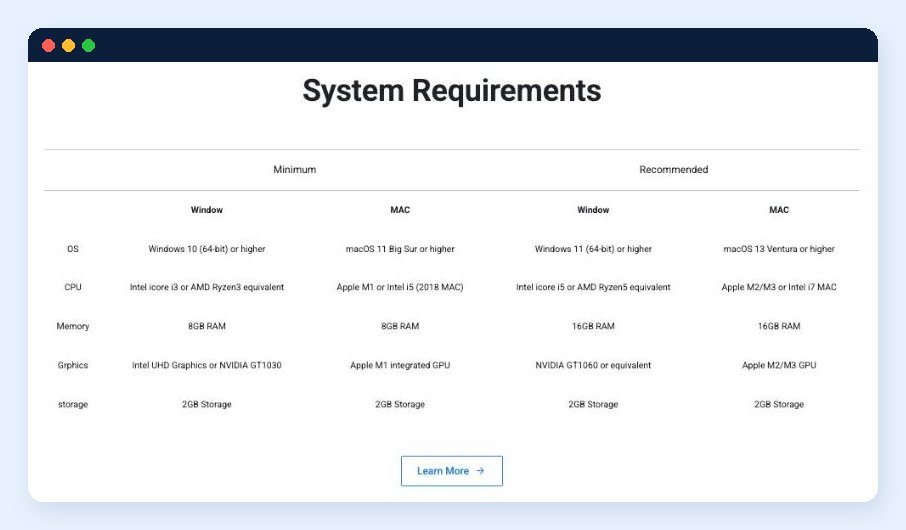
| Minimum | Recommended | |
|---|---|---|
| System | Windows 10 64-bit / macOS 11 | Windows 11 64-bit / macOS 13 |
| Processor | Core i3 / Ryzen 3 / Apple M1 | Core i5 / Ryzen 5 / Apple M2–M3 |
| Memory | 8 GB | 16 GB |
| Storage | 2 GB | 2 GB |
Download the installer from the Desktop page of the website (or App Download in your account), install it and log in. The desktop app is the best choice for the multi-chart layout with up to nine charts.
Web Terminal
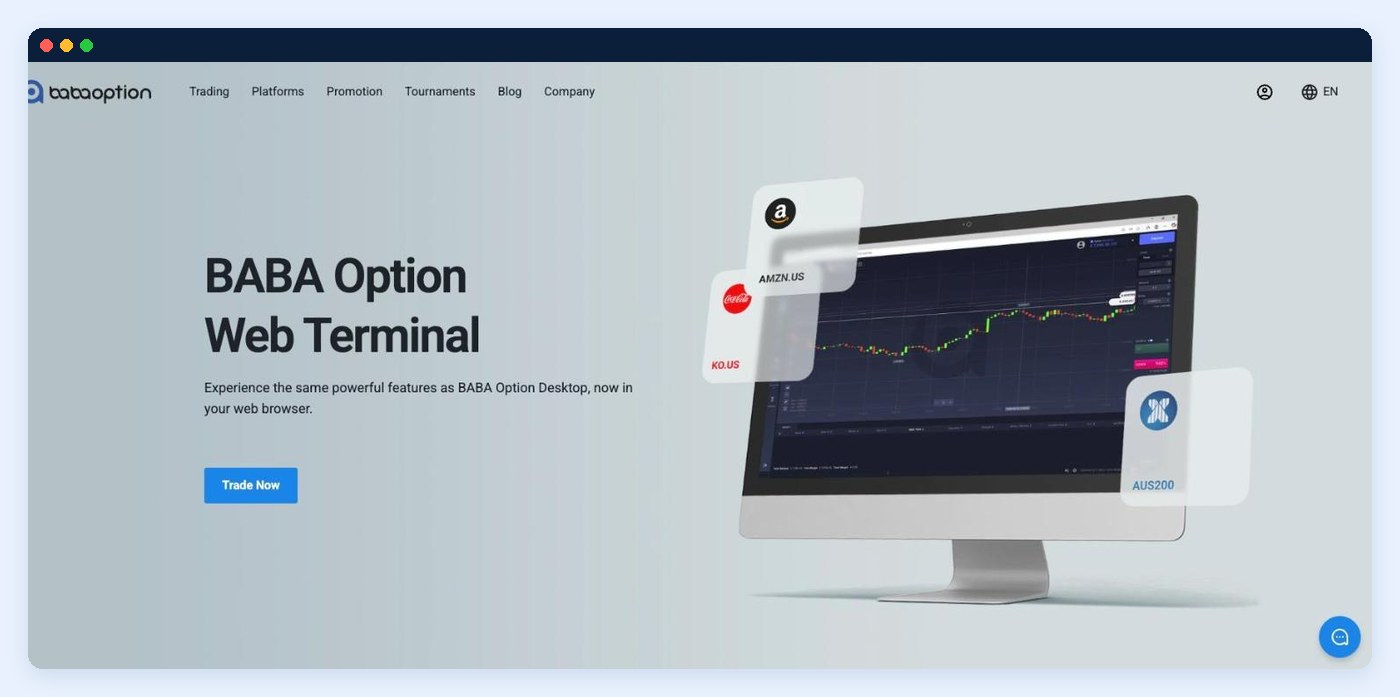
No space or permission to install? Log in on the website and click Trade Now. The web terminal has the same features as the apps. Read the platform review for a full tour.
Which Version Is Best?
| If you want… | Use |
|---|---|
| Fast trading on the go | Android app / iPhone web app |
| Multi-chart analysis | Desktop app |
| Shared or work computer | Web terminal |
FAQ
Is there a Baba Option app for iPhone?
Yes, as a web app installed from Safari (Share → Add to Home Screen). There is no App Store version.
Where can I download the Android app?
From Google Play or as an APK from the official Baba Option website.
Is the Baba Option app free?
Yes, every version is free.
Do my trades sync between devices?
Yes. Your account, balance and trades sync across web, desktop and mobile.
Affiliate disclosure: Baba Option Guide may earn a commission when you open an account through links on this page, at no extra cost to you. Facts were checked on the official websites in October 2026 and can change, so always confirm conditions before you trade. Binary options are not available in every country; see Investor.gov for an independent explanation of how they work.